Getting the Mobile App
Install the Secluso app from your phone's app store.
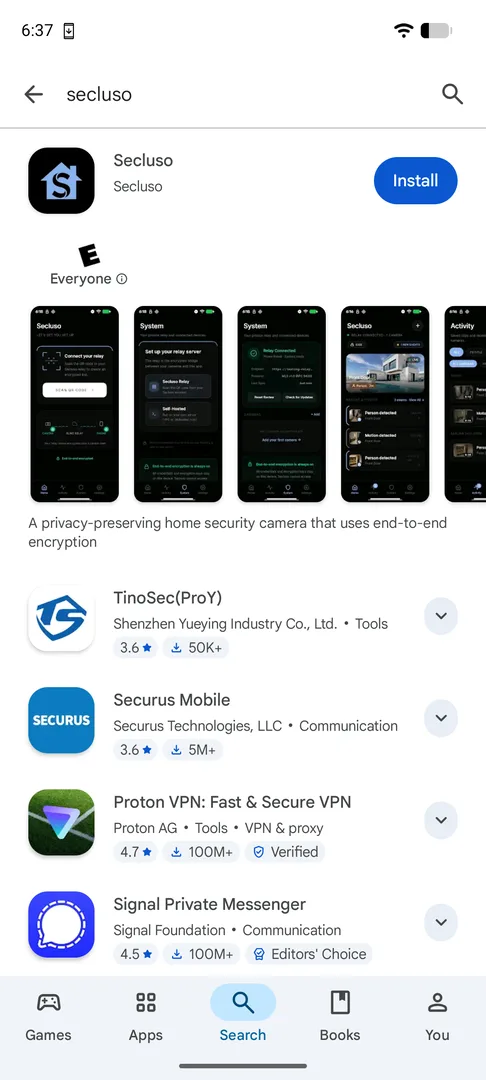
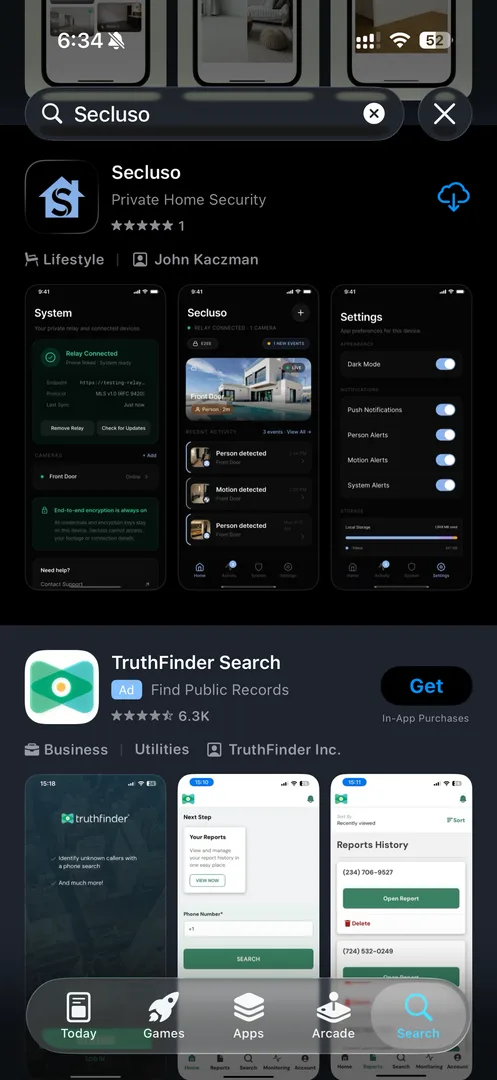
- Open the Google Play Store (Android) or App Store (iOS).
- Search for Secluso.
- Tap Install / Get, then open the app.
Look for the right app
The publisher is Secluso on Google Play and John Kaczman on the App Store. Make sure it matches before installing.
Permissions you'll be asked for later
During setup the app requests a few permissions, each used locally:
| Permission | Why it's needed |
|---|---|
| Nearby devices / Wi-Fi | To find and connect directly to your camera |
| Notifications | To alert you about motion, people, and system events |
| Camera | To take a photo of relay and camera QR codes |
App installed
Once the app opens to the "Let's get you set up" screen, you're ready for the next step.